TXT - OFFICIAL LIGHT STICK Ver.2
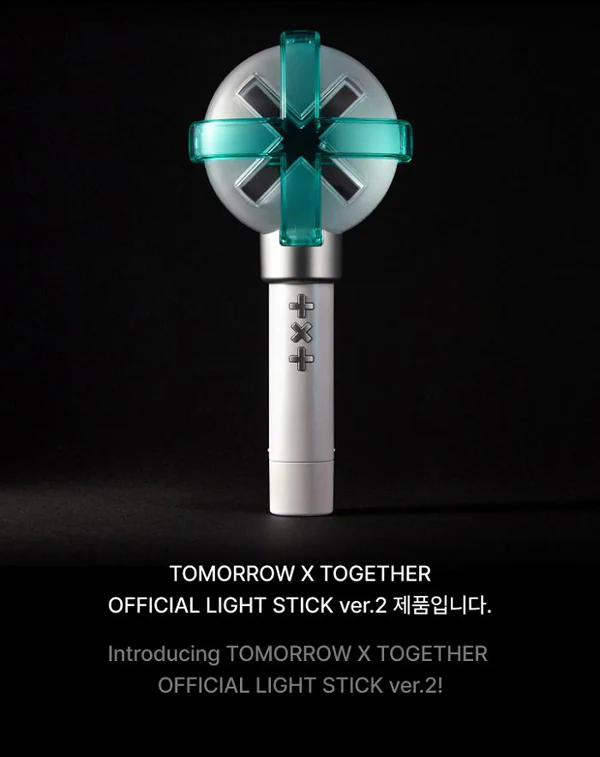
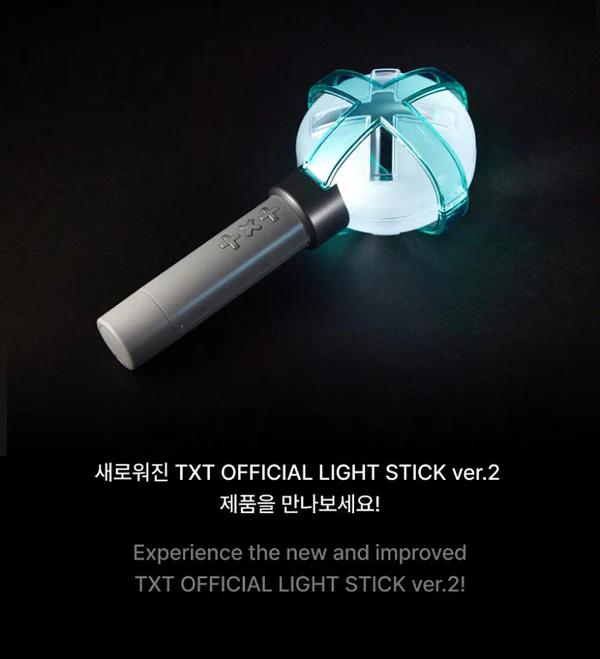
TXT OFFICIAL LIGHT STICK - Version 2
Release Date: February 2024
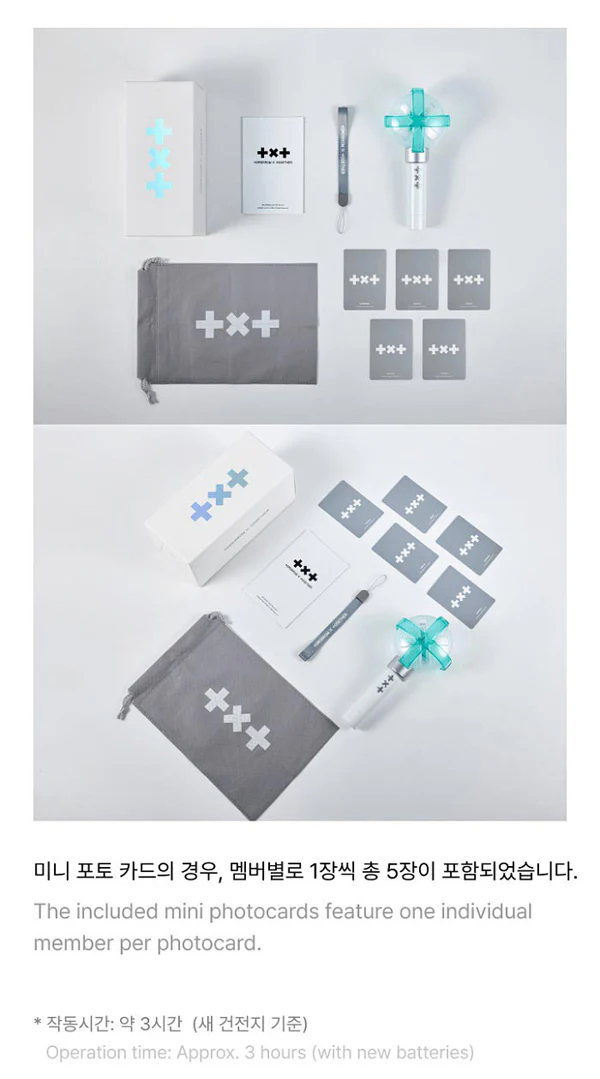
Contents:
Outer Box
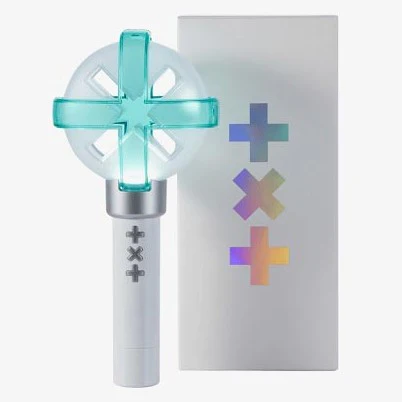
Light Stick
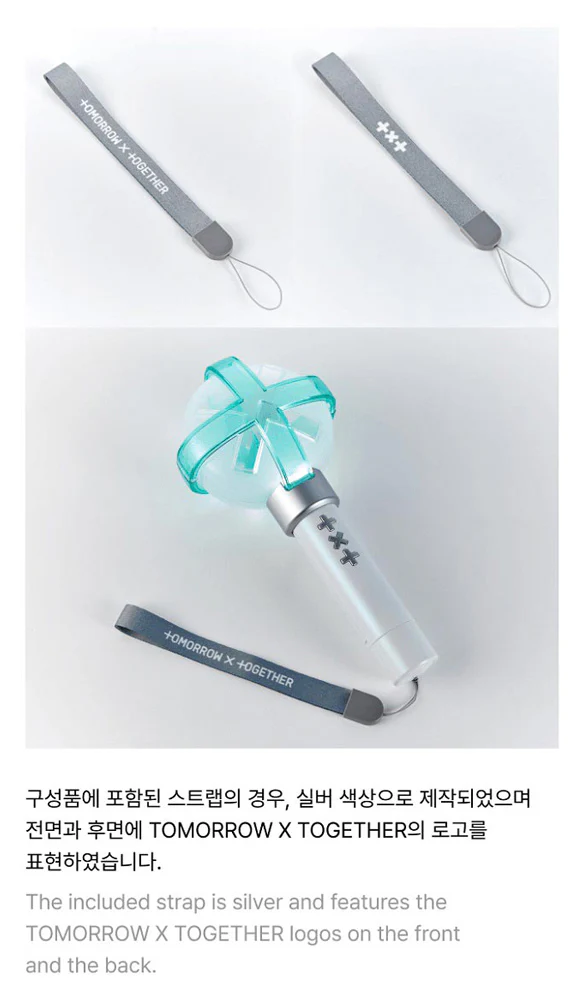
Strap
Dust Bag
Photocards x5
Operation Manual
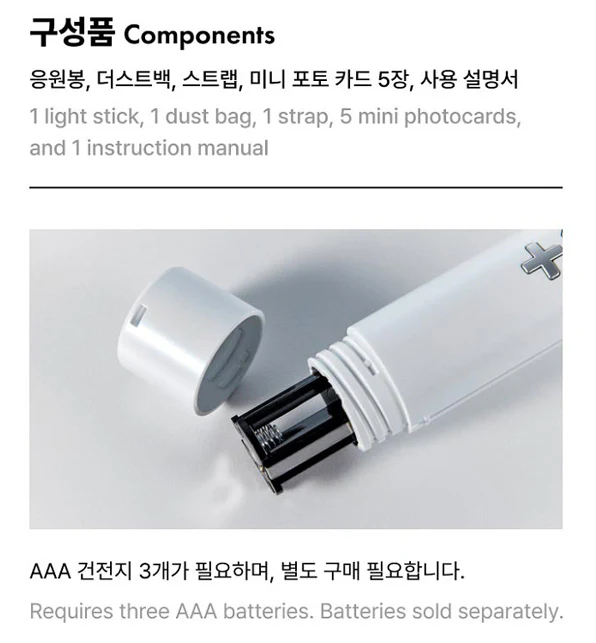
Requires 3x AAA Batteries
Special features:
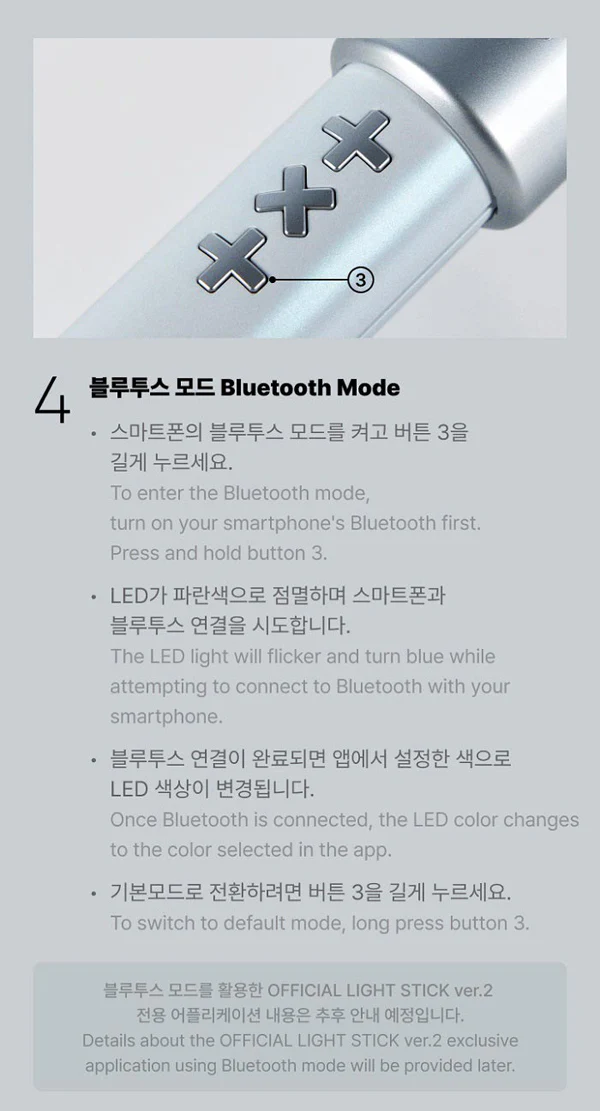
Bluetooth Mode
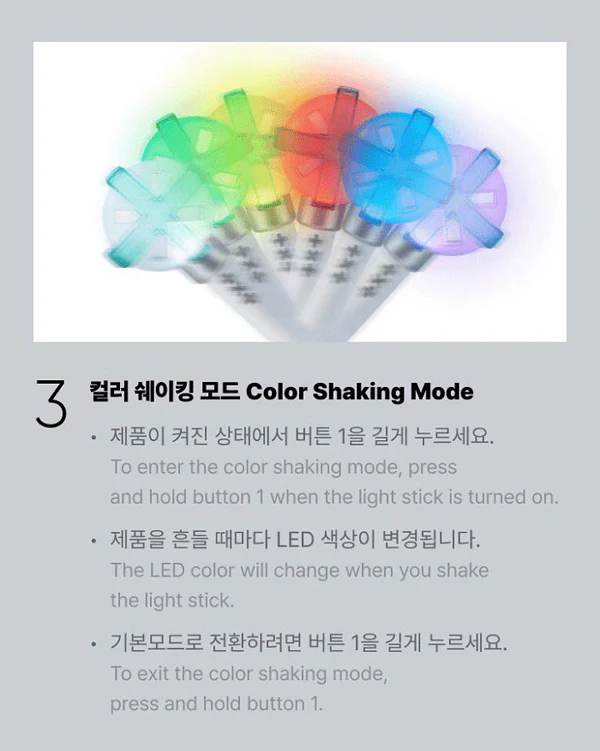
Shaking Mode
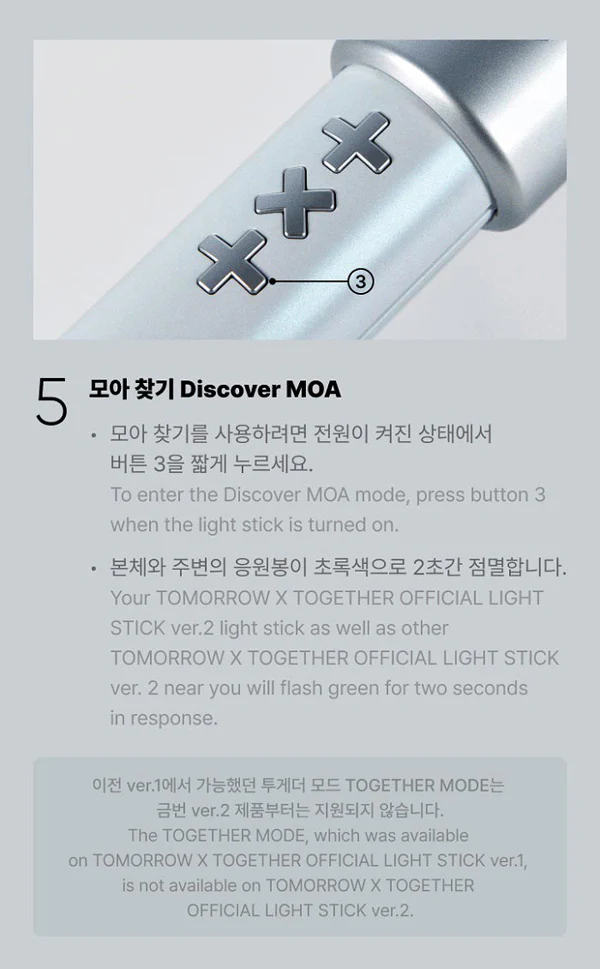
Discover MOA Mode
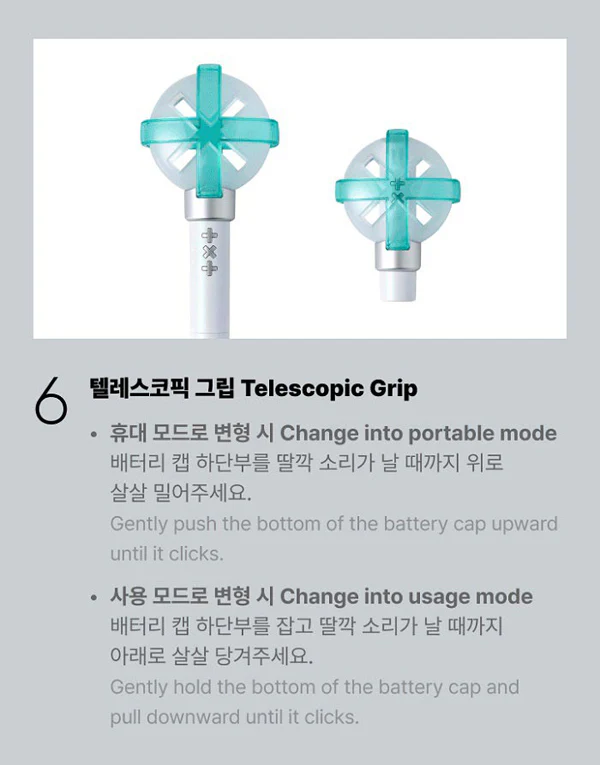
Telescopic Grip
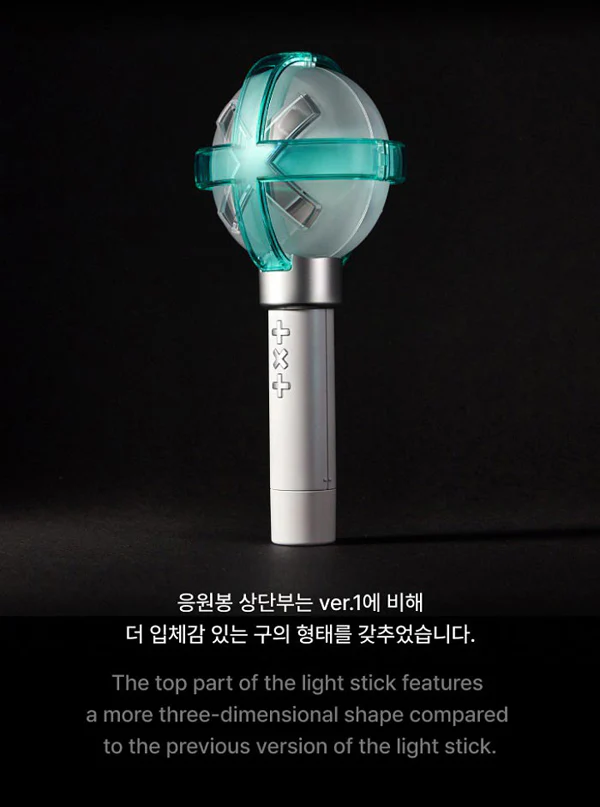
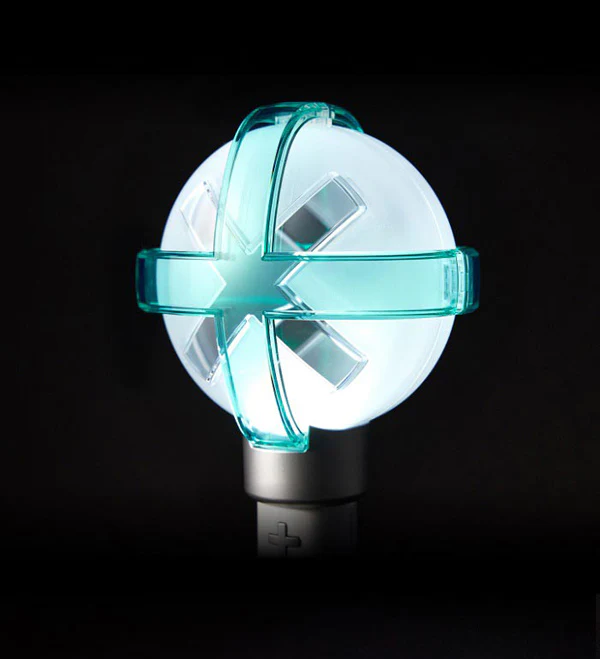
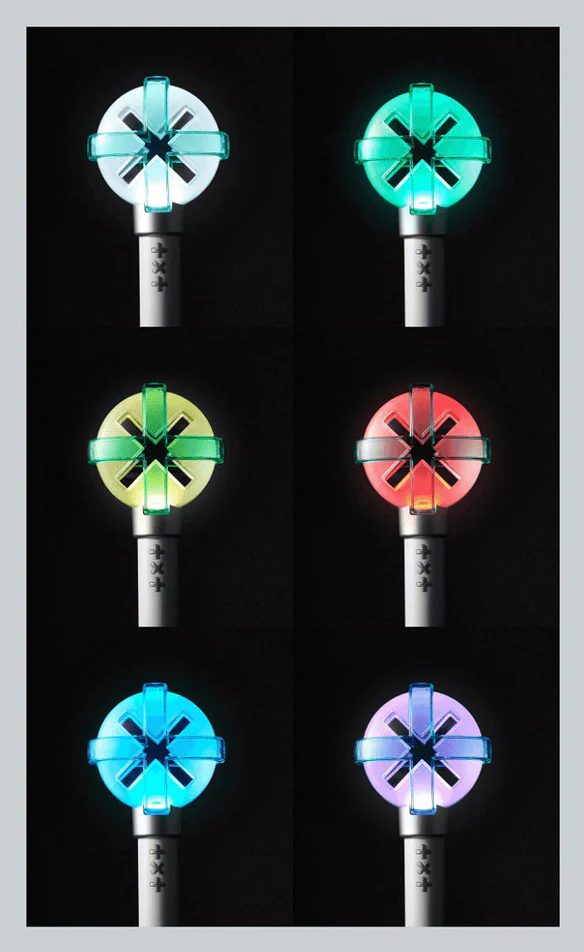
The top part of the light stick features a more three-dimensional shape compared to the previous version.
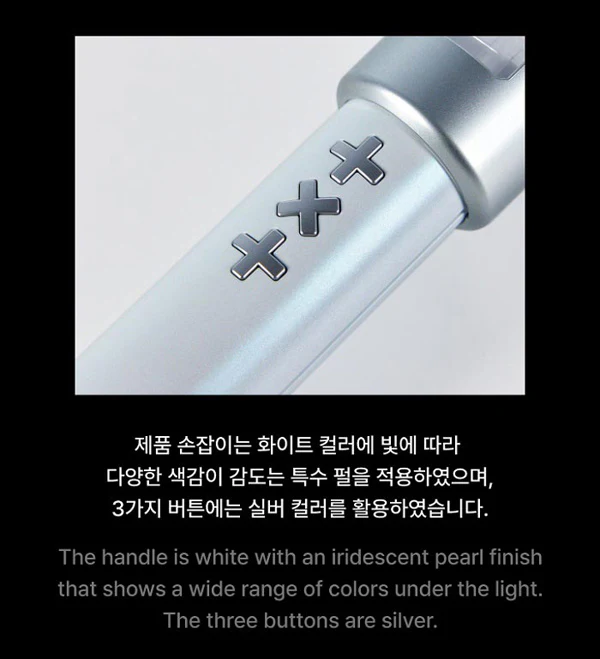
The handle is white with an pearlescent finish.
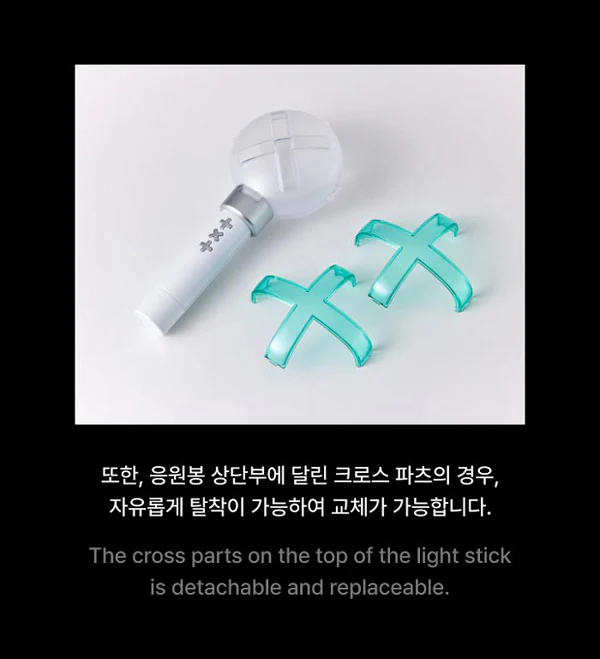
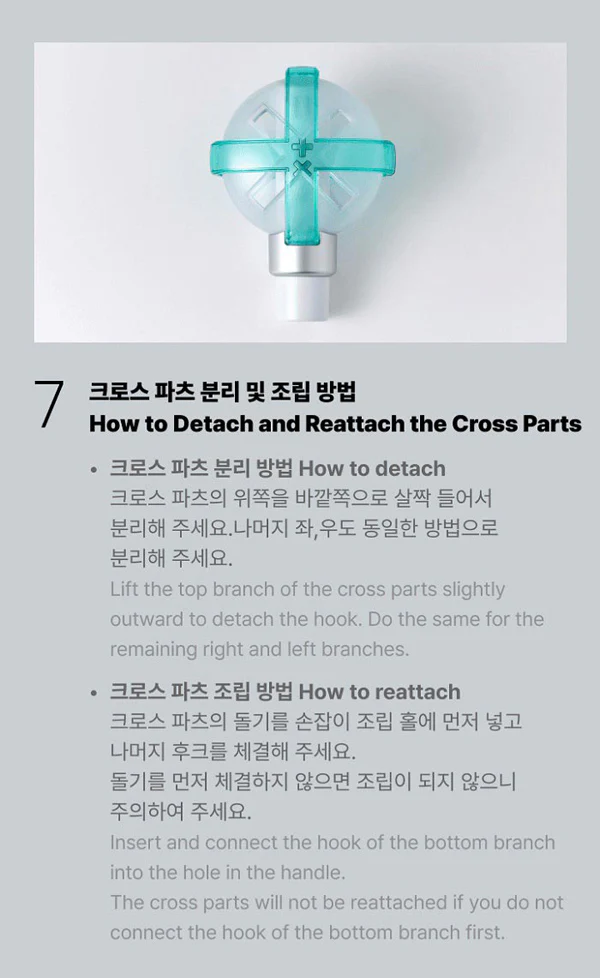
The cross parts on the top of the light stick are detachable and replaceable.
Basic Usage:
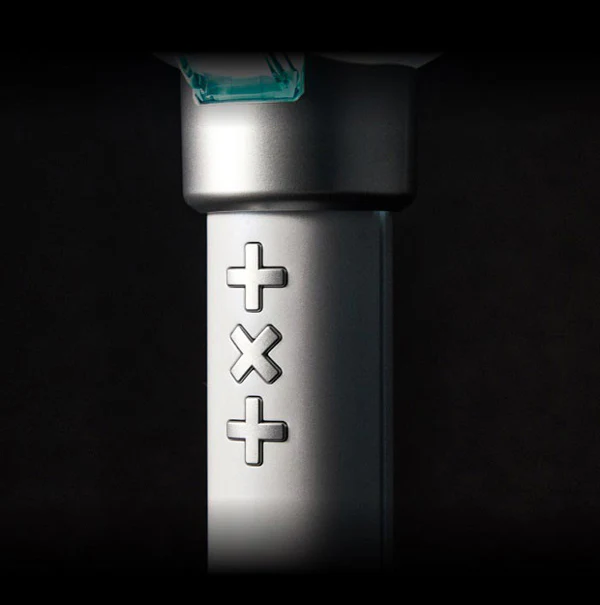
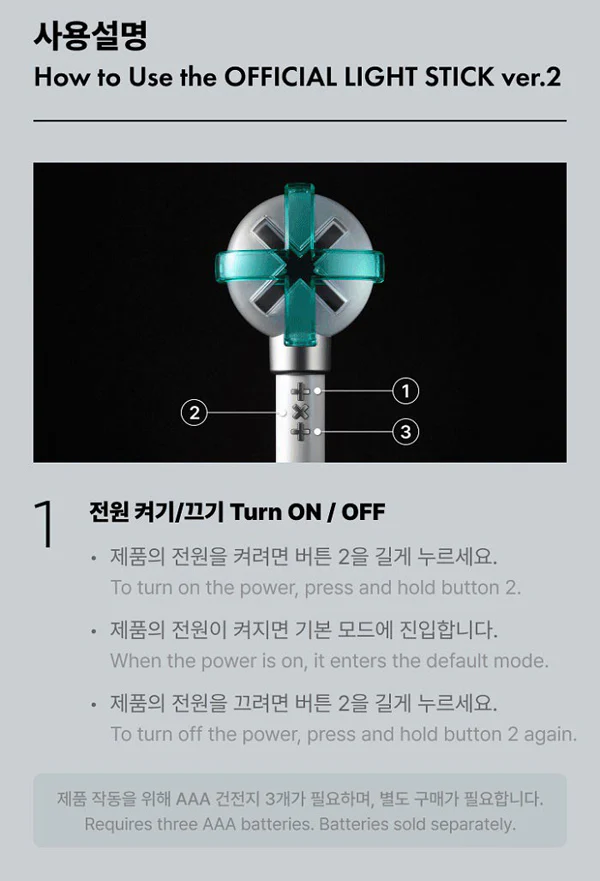
Press middle X button to turn the light stick on.
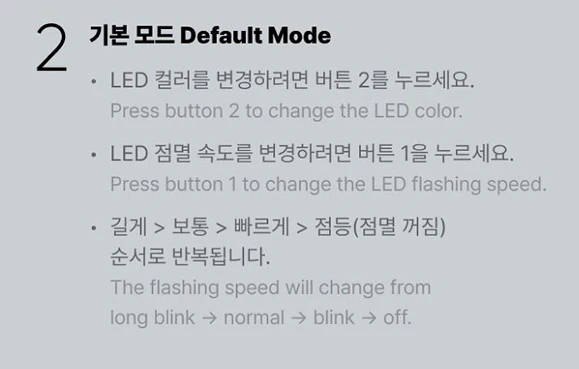
Press again to change the LED colour.
Press top button to change the LED flashing speed.
The flashing speed will change from Long Blink > Normal > Blink > Off
To end the colour shaking mode, press and hold top button when the light stick is already turned on.
The LED colour will change when you shake the light stick.
To exit the colour shaking mode, press and hold the top button.
Please refer to manual to operate bluetooth or MOA Discovery mode
Original: $93.83
-70%$93.83
$28.15Product Information
Product Information
Shipping & Returns
Shipping & Returns
Description
TXT OFFICIAL LIGHT STICK - Version 2
Release Date: February 2024
Contents:
Outer Box
Light Stick
Strap
Dust Bag
Photocards x5
Operation Manual
Requires 3x AAA Batteries
Special features:
Bluetooth Mode
Shaking Mode
Discover MOA Mode
Telescopic Grip
The top part of the light stick features a more three-dimensional shape compared to the previous version.
The handle is white with an pearlescent finish.
The cross parts on the top of the light stick are detachable and replaceable.
Basic Usage:
Press middle X button to turn the light stick on.
Press again to change the LED colour.
Press top button to change the LED flashing speed.
The flashing speed will change from Long Blink > Normal > Blink > Off
To end the colour shaking mode, press and hold top button when the light stick is already turned on.
The LED colour will change when you shake the light stick.
To exit the colour shaking mode, press and hold the top button.
Please refer to manual to operate bluetooth or MOA Discovery mode